DOP-100
Request a quote
or: +359 32 395 989 · sales@mechatronics.bg
Price, availability and lead time on request — for companies and individuals.
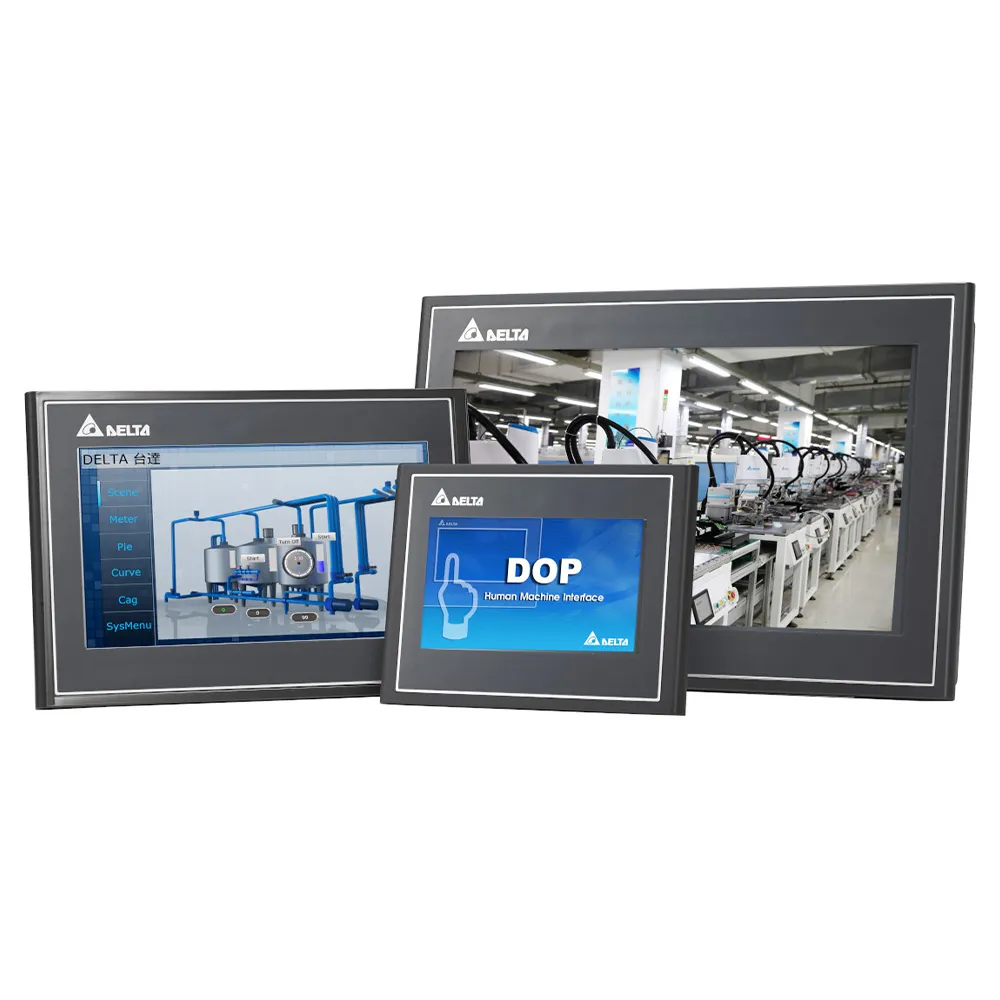
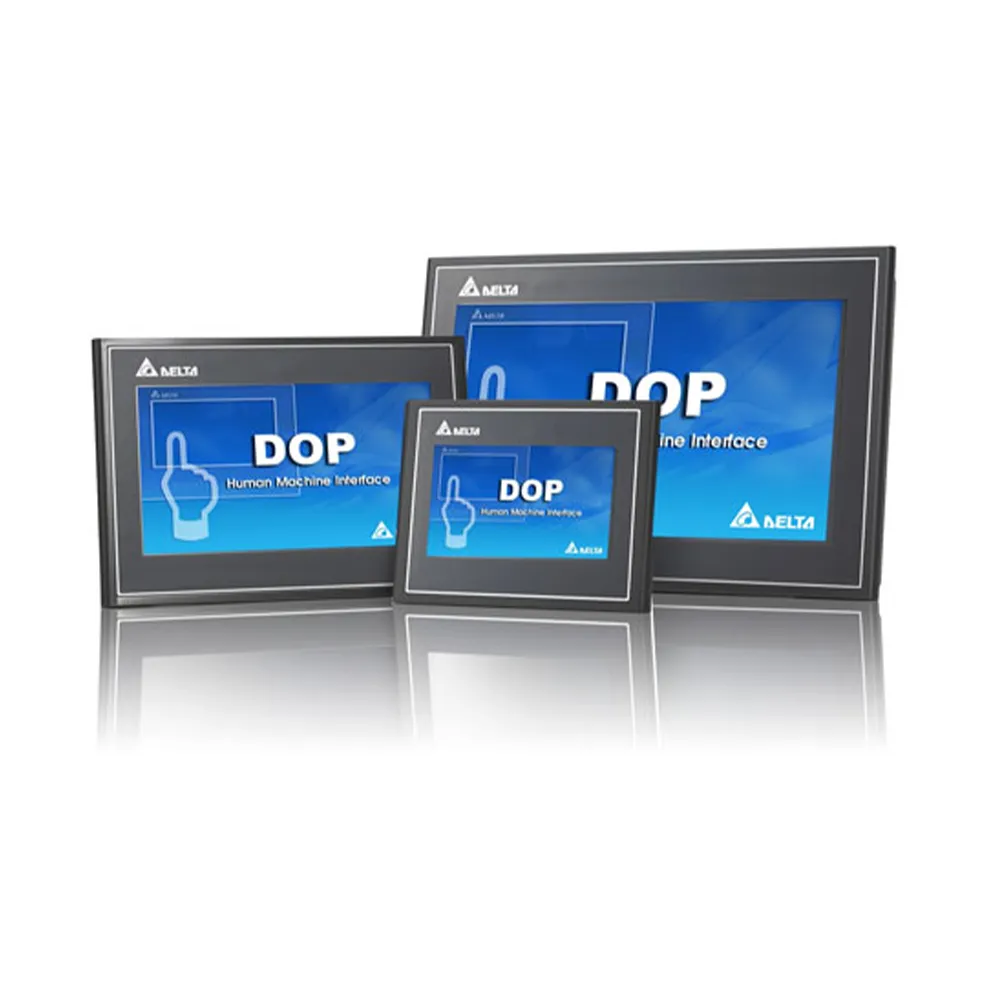
DOP-100 Human Machine Interface
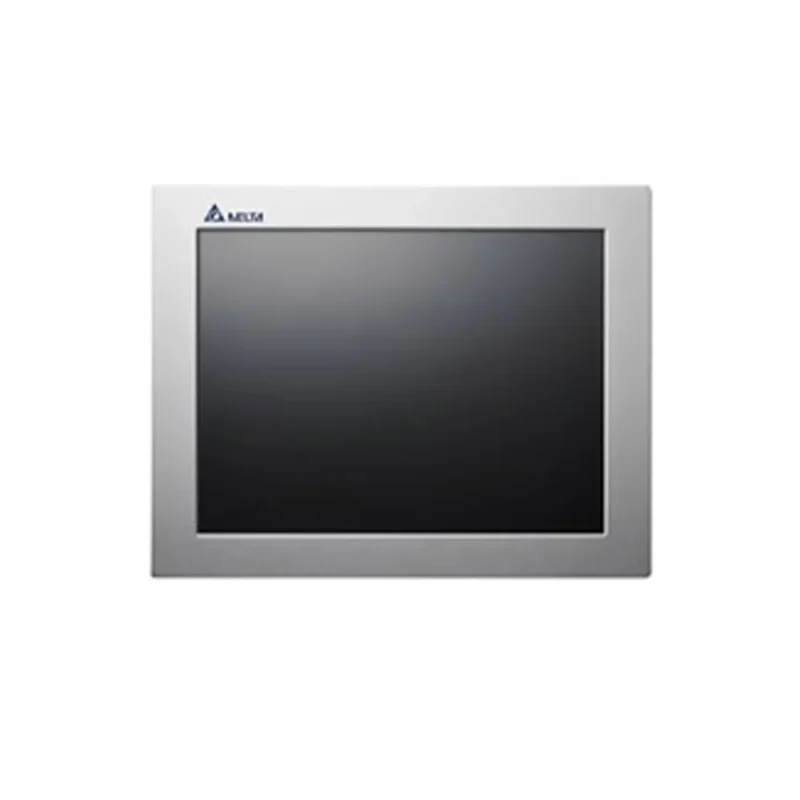
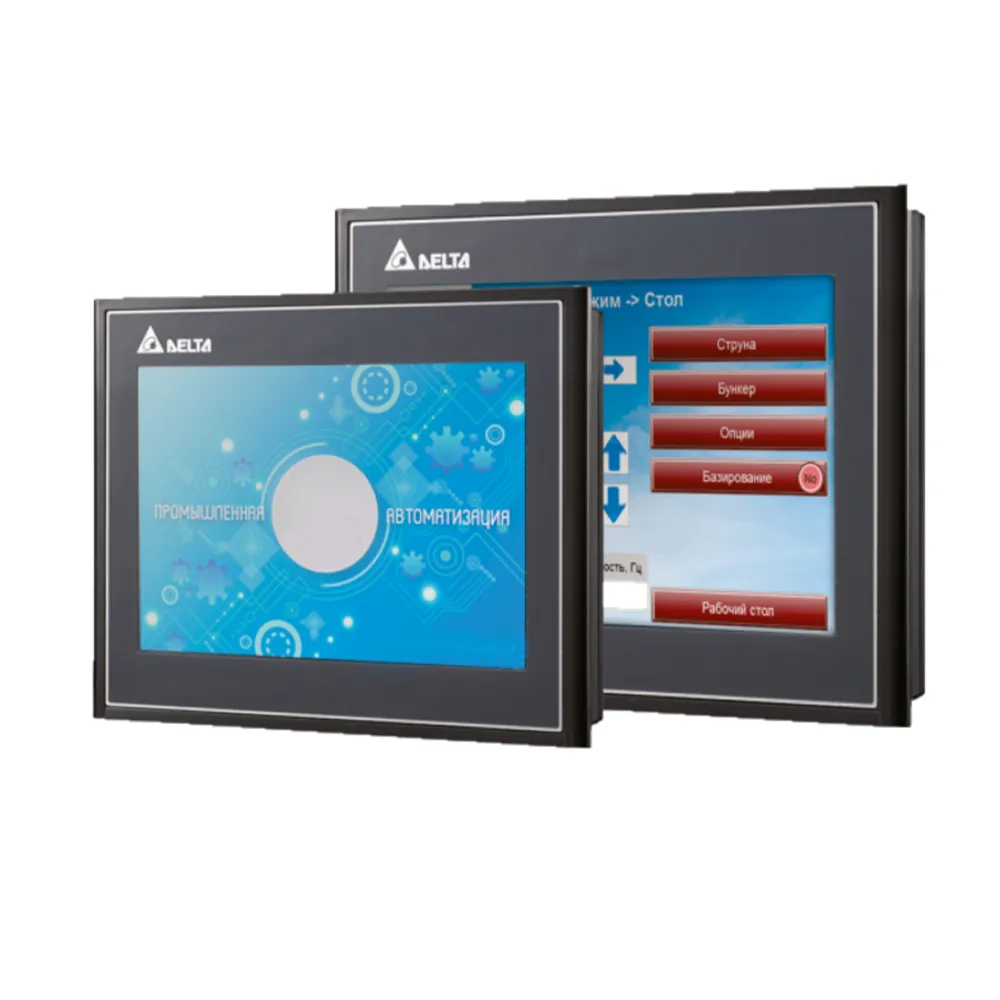
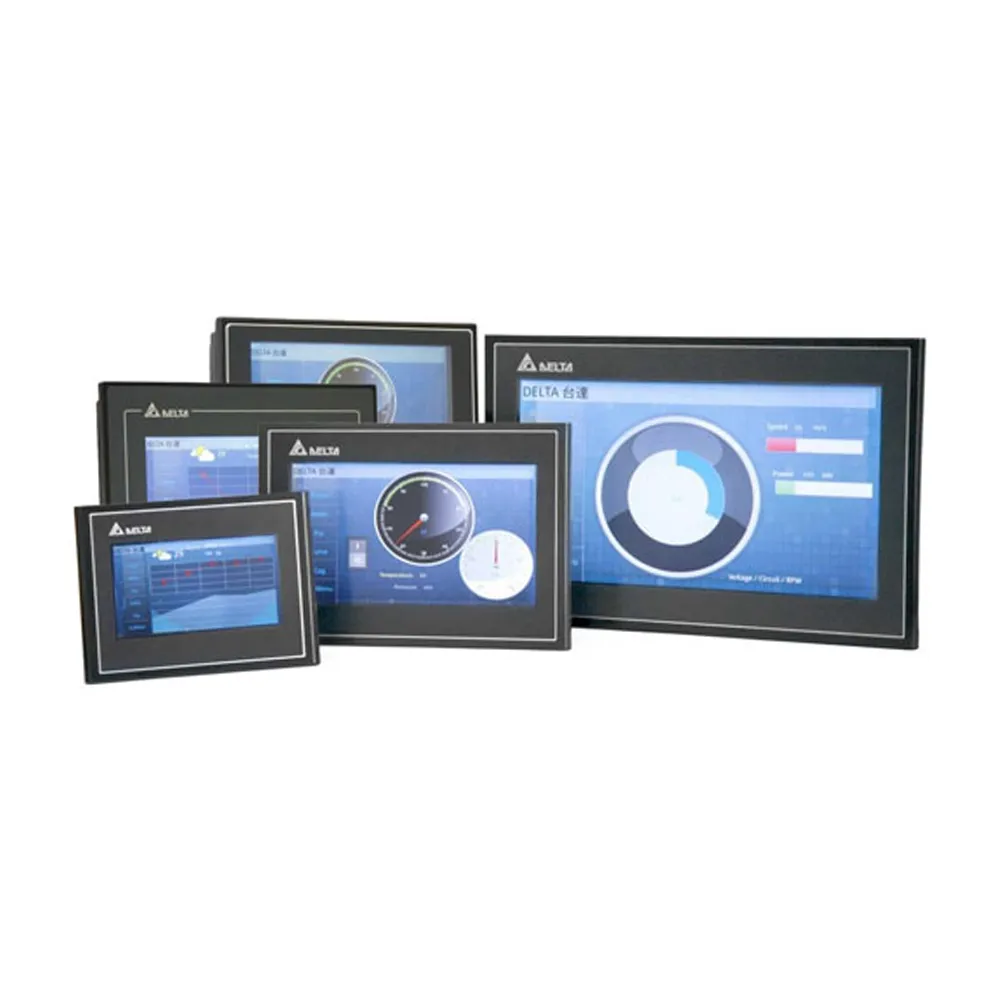
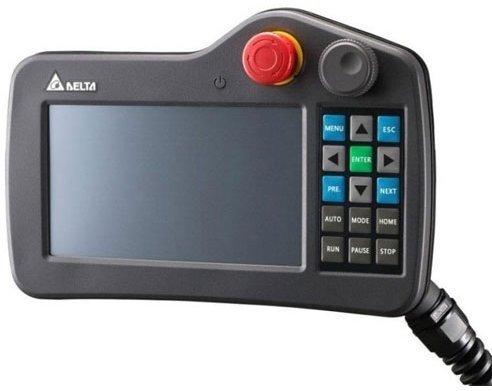
Human Machine Interface (HMI) is a digital product that facilitates communication between operators and automated equipment. The HMI provides a variety of communication ports for seamless interaction with various devices. The touch panel allows intuitive parameter configuration, while the LCD screen displays monitoring data related to the machine equipment. Additionally, flexible editing software enables designers to create customized interface screens tailored to the specific needs of different applications.
Characteristics
- Advanced design
- More compact body and lighter panel weight for easy installation
- Brighter and brighter display
- Extended library of screen elements, improved quality of dynamic indicators
Advanced recipe functionality
- Support for grouping 2D/3D recipes for more flexible database building
- Ability to use different data formats in one recipe
- Recipes can be saved in .csv format for easy editing on a computer
- Recipes can be downloaded via USB, SD card or FTP server
Extensive networking opportunities
- FTP server
- Each panel is an FTP server that can be managed to download PDF files, recipes, operation log, history and alarms via Ethernet
- VNC server for remote control
- Built-in VNC server allows remote monitoring and control of DOP-100 panels through special applications (Windows, iOS, Android)
- The blocking function allows you to block remote control through the application while working on the site to avoid unsynchronized commands while the remote monitoring function remains active.
Log activities
- Each account has its own activity log, which includes a wide range of information to analyse the actions of different users and improve performance.
View PDF files
- Ability to view PDF files from USB devices and SD cards. Operating instructions for various devices will always be at hand.
Archived data (history)
- Ability to generate reports with custom filenames and timestamps
- View archived data from a USB drive or SD card
- Availability of magnification (zoom) for convenience when viewing data
Improved crash feature
- Alarm messages contain log data to simplify analysis
- Sort function: possibility to sort alarm messages according to their parameters
- Monitoring of mixed addresses: ability to monitor bit and word variables simultaneously
- Flexible parameter setting system: alarm parameters can be set directly in the operator panel, without the use of external programs
Documents:
DOP-100 catalogue

DOP-100 manual

Software for programing